

When I first planned a slow travel itinerary, I overloaded each day with activities, thinking more was better. By day three, I was burnt out. Traditional fast-paced itinerary formats felt too rigid for longer stays.
Slow travel is about presence and flexibility. Instead of rushing to see every tourist spot, it’s about savoring moments and leaving room for spontaneity. I switched to a slow travel itinerary format that focuses on meaningful experiences rather than a packed schedule.
This guide shows how a travel itinerary format balances planning with freedom, keeping all details, from hotel addresses and contact info to transportation options, organized and accessible on any mobile device or digital format.
Why Slow Travelers Need a Different Itinerary Structure
I get it, maybe you’re worried about missing something important or not planning enough. I was there too. But trust me, you don’t need to micromanage every detail.
In my experience, a looser itinerary reduces stress and opens you up to unexpected adventures. It’s about trusting the process and knowing you can adjust on the fly. When I embraced this mindset, I actually ended up seeing more because I wasn’t rushing or exhausted.
Pro tip: Build buffer days or half-days into your plan. These are lifesavers for rest, last-minute discoveries, or dealing with unexpected delays.
Essential Components of a Slow Travel Itinerary
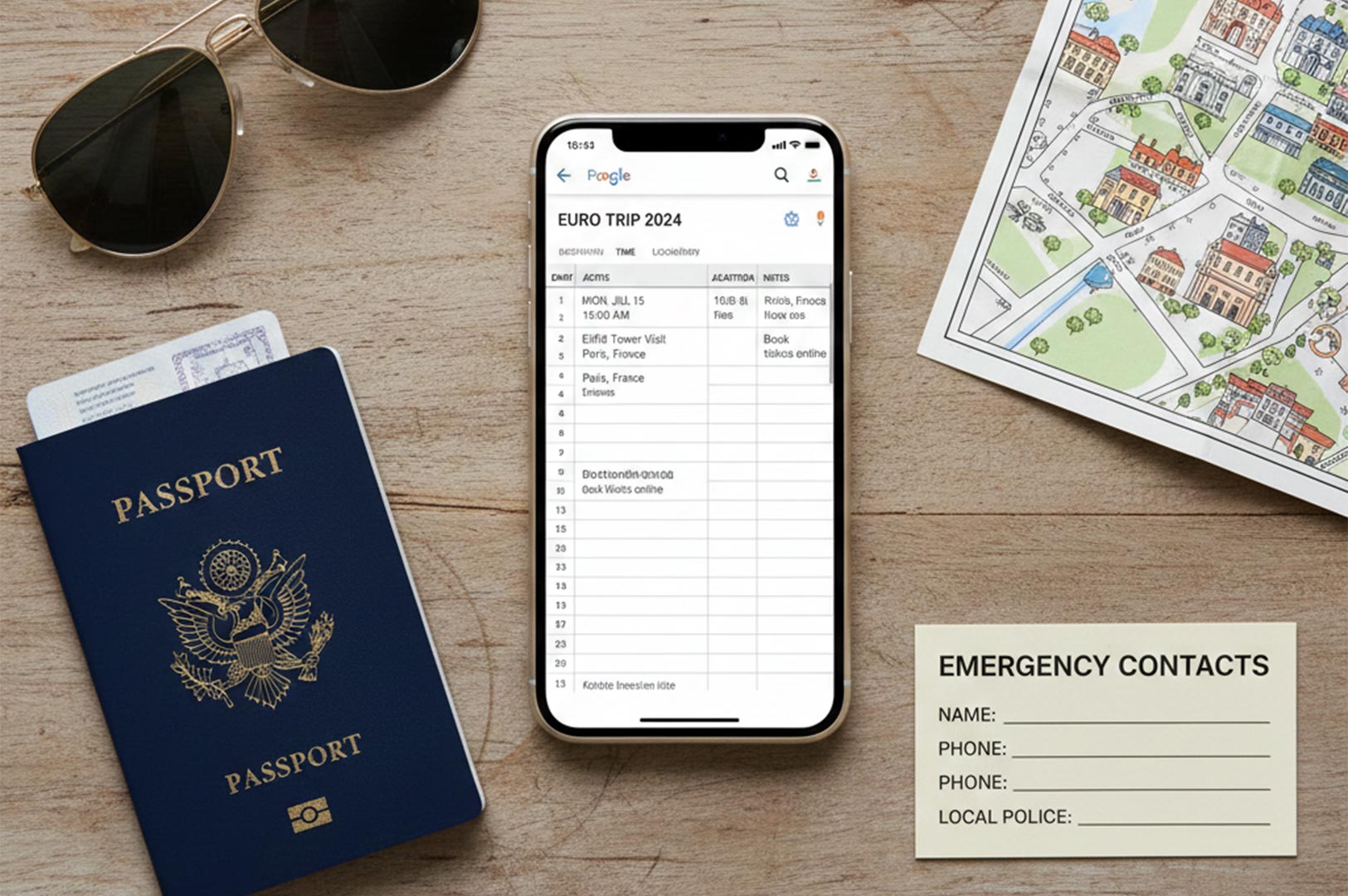
Here’s what I always include in my slow travel itinerary format—and why:
Flight details:
Arrival and departure times, confirmation numbers, gate info, and airline contacts. I keep these handy for quick reference, especially during layovers or last-minute changes.
Accommodations:
Hotel or Airbnb addresses, check-in/out times, contact numbers, and confirmation codes. I also note amenities like kitchen access or laundry, which are game-changers for longer stays.
Daily structure:
I divide days into morning, afternoon, and evening blocks rather than hour-by-hour plans. This lets me stay flexible while still having a loose guide for activities and meals. I also include tours and activities for each day, and add travel agent contact details to help coordinate bookings or resolve issues during the trip.
Transportation:
Rental car info, public transit passes, train tickets, and schedules. For multi-destination trips or road trips, this section prevents last-minute scrambling.
Emergency info:
Embassy numbers, local emergency services, and travel insurance details. I keep this both digitally and printed—lesson learned after losing Wi-Fi access once.
Budget tracking:
I jot down daily spending limits, major expenses, and currency exchange rates. I also track how much I plan to spend each day and allocate funds for unexpected costs. It helps me avoid surprises and stay mindful without obsessing.
Different Itinerary Formats I’ve Tried (And What Actually Worked)

Over the years, I experimented with several formats:
Location-based:
Grouping activities and details by city or region. This works well for slow travel because you focus deeply on one place at a time without repeating information.
Chronological:
Listing everything day by day. It’s straightforward but can feel restrictive if overdone. I use it mainly for arrival/departure days or short segments.
Category-based:
Separating flights, hotels, dining, and activities into different sections or tabs. This is great for organizing complex trips with many moving parts.
Hourly:
I tried this early on and quickly abandoned it. It’s too rigid and stressful for slow travel, where you want to savor moments, not race the clock.
Insider tip: I prefer a hybrid approach—location-based for the main itinerary with a separate category tab for flights, accommodations, and budget. In Google Sheets, you can use a second tab specifically for lodging contact details or budgeting, making it easier to organize specific trip information. Using structured itinerary templates like this also improves time management by helping you organize your schedule and track expenses efficiently. Google Sheets is my go-to tool for this because I can update it easily on my phone or laptop.
Choosing the Right Itinerary Template for Slow Travel
Selecting the perfect itinerary template is a game-changer for anyone embracing slow travel. The right template helps you stay organized, keep track of all the details, and focus on enjoying your journey rather than worrying about logistics. When searching for a travel itinerary template, look for one that includes dedicated sections for daily activities, transportation options, accommodation details, and essential contact information.
Think about the type of trip you’re planning—whether it’s a leisurely road trip, a business trip, or a family adventure—and choose a template that fits your needs. Free itinerary templates are widely available online and often come in a variety of formats, such as Word documents, Google Sheets, or visually appealing Canva designs. These templates offer a structured plan that you can easily customize, ensuring your travel plans are tailored to your style and pace.
By using a well-designed itinerary template, you can manage your travel experience with confidence. You’ll have all the information you need at your fingertips, from hotel addresses to transportation schedules, making it easier to adapt as your journey unfolds. Ultimately, the right template helps you stay organized and make the most of every moment on your trip.
Digital vs Paper Itineraries: What Works Best?

Digital itineraries are lifesavers, but relying solely on Wi-Fi can backfire. I always keep a PDF version saved offline on my phone and a printed copy tucked in my backpack.
Here’s what I use:
Google Sheets: My main tool with tabs for daily plans and lodging, transportation, and budget. Syncs across devices and easy to update.
Google Docs: Great for group trips with real-time collaboration.
PDF: For offline access and sharing.
Excel: Useful for detailed budgets but less mobile-friendly.
Canva: For visually appealing itineraries, including photos or maps, used occasionally for sharing.
How I Structure My Slow Travel Itinerary Step-by-Step

Trip overview: Name, dates, travelers, emergency contacts, and insurance info. This is my quick glance summary.
Pre-trip checklist: Visas, vaccinations, packing reminders, and bookings. Setting this up early saves last-minute panic.
Daily planning: I break each day into morning, afternoon, and evening with broad activity ideas and buffer times.
Buffer days: I schedule full or half rest days every 5–7 days. These are crucial for mental and physical recharge.
Notes and reflections: I keep a section for journaling discoveries or changes to the plan. It’s a great way to track memories and lessons.
Example:
For the trip overview, I might write:
Name: Italy Slow Travel
Dates: May 10–24
Travelers: Me & Alex
Emergency contacts: ICE + local embassy
Insurance info: Policy #123456, link to provider
This whole setup usually takes me about 1–2 hours to create initially, then I update it every few days as plans evolve.
Group Travel Planning for Slow Travelers

Planning a group trip can be a rewarding experience, especially when you have the right tools to keep everyone on the same page. A collaborative travel itinerary template is essential for group travel, allowing all fellow travelers to contribute ideas, edit plans, and track specific activities in real time.
When organizing a group itinerary, look for templates that include sections for group activities, meal planning, and transportation arrangements. Using bullet points to outline events and daily plans makes it easy for everyone to follow along and stay organized. You can also dedicate a page or tab to important contact details and accommodation information, ensuring that all group members have access to the details they need.
Using Free Templates to Kickstart Your Slow Travel Itinerary
If you’re looking to jumpstart your slow travel planning, free templates are your best friend. There’s a wide range of free itinerary templates available online, designed to help you organize all the details of your next trip without any hassle. Whether you prefer a Word document, a Google Sheets file, or a customizable Canva design, you can simply download a template and start editing it to suit your travel style.
A quick search on Google or template sites offers customizable trip itinerary templates in Word, Excel, Google Sheets, or Canva formats. Microsoft Excel, Word, and Google Sheets offer free travel itinerary templates in their template galleries, making it easy to get started.
Many travel itinerary templates are available for free online, and users can simply download and customize them from various websites. To use and customize Canva templates, you will need a Canva account, and clicking the ‘Create with Canva‘ button will prompt you to log in.
Common Mistakes to Avoid
Overplanning: I once packed every hour and ended up exhausted. Don’t do that. Leave space for spontaneity.
Ignoring buffer days: Skipping rest leads to burnout and missed opportunities to explore unplanned gems.
Choosing the wrong format: Hourly itineraries kill the slow travel vibe. Pick a format that supports flexibility.
Relying only on Wi-Fi: I learned this the hard way when my phone died in a remote village. Always have offline backups.
Forgetting emergency info: Keep contacts handy both digitally and physically.
Fix these by keeping your itinerary simple, flexible, and accessible.
In a Nutshell
Creating the perfect slow travel itinerary is about finding the right balance between planning and freedom. By using a well-structured format for travel itinerary that emphasizes flexibility, you can enjoy your journey without feeling rushed or overwhelmed. Leveraging free itinerary templates and digital tools, can help you stay organized and keep all the details—from hotel addresses to transportation options—at your fingertips. Remember to include buffer time, emergency contacts, and budget tracking to make your travel experience smooth and stress-free. For more tips and resources, visit my website Slow Travels.